Our product
One account for Mail, Drive and Office - on infrastructure in Nepal.
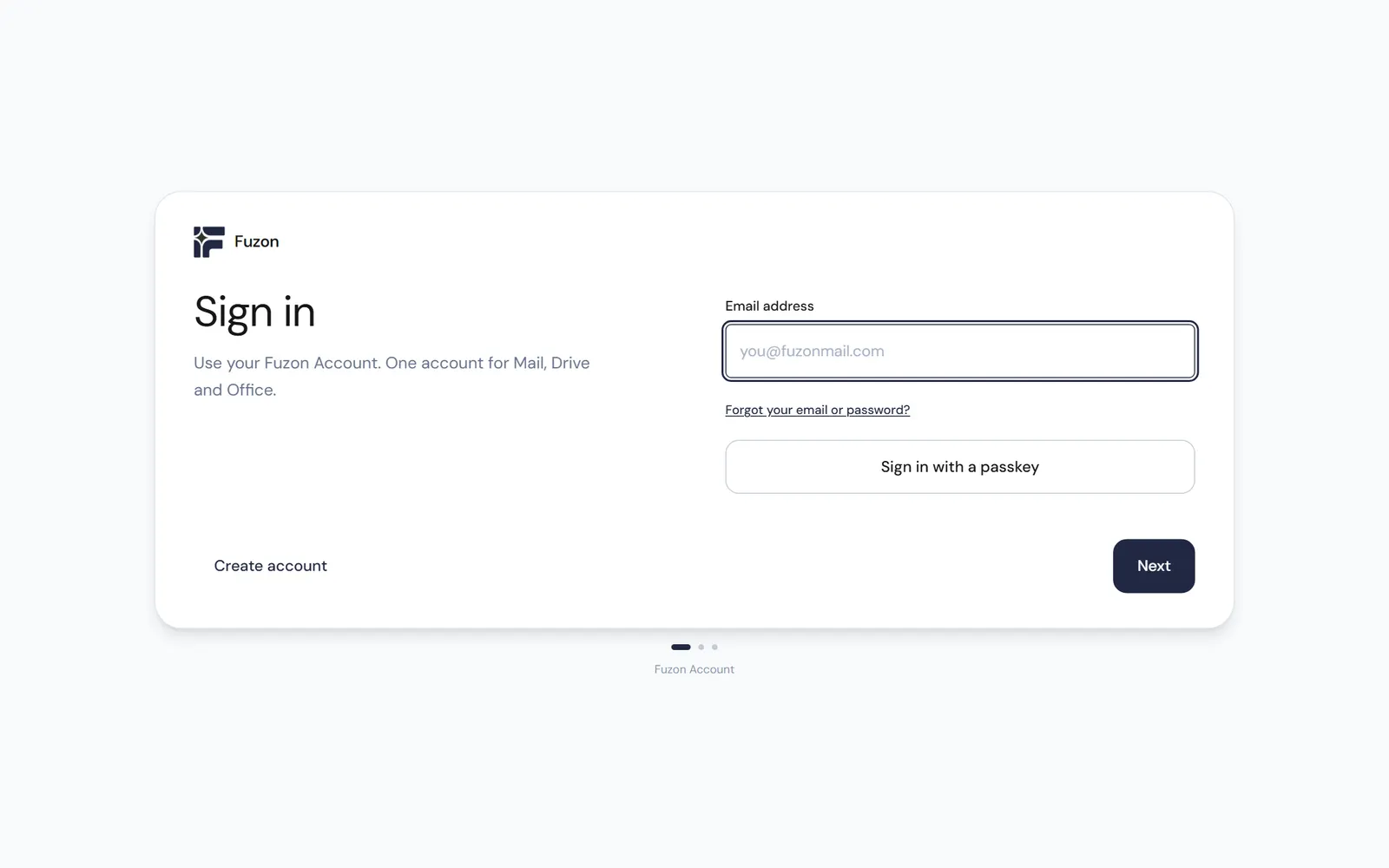
A full email and productivity suite, built and operated by us. One Fuzon Account signs a person into Mail, Drive and Office through a dedicated accounts service, rather than a login bolted onto each app. Passkeys are supported, so an organisation can drop passwords entirely.
Why it exists
The alternative that was missing.
Organisations in Nepal that cannot put their correspondence on another continent - government, regulated industries, and businesses that simply want to know where their mail lives - have had little option but a foreign provider. This is the alternative, on a stack we assembled and hardware we operate.
Accounts live at accounts.fuzonmail.com, the apps at mail.fuzonmail.com.
What it does
One account, three applications, one stack.
Single sign-on
One Fuzon Account across every app, served from its own accounts domain.
Passkeys
Sign in with a passkey. Passwords optional.
Postfix, Dovecot and Rspamd - assembled and tuned by us, not a vendor appliance.
Drive
File storage under the same account.
Office
Documents, alongside the mail and the files.
Data residency
Runs on infrastructure we operate. You can point at where it lives.
Who it is for
Three kinds of organisation ask for this.
Government and public bodies
Correspondence that cannot be held under another country’s jurisdiction, on infrastructure whose location you can be told.
Regulated industries
Finance, health and anyone answering to a regulator who asks where the data sits, and expects a specific answer.
Businesses that simply want to know
No policy forcing the question, just a preference for knowing which machine holds the company’s mail.
How it is built
Assembled, not bought.
Postfix moves the mail, Dovecot delivers and stores it, Rspamd filters it, and our own accounts service sits in front of all three. That is a deliberate choice over a vendor appliance: every part is open, every setting is ours, and the deliverability work (SPF, DKIM, DMARC, reverse DNS that actually matches) is done by the people who run the servers.
We run our own staff mail on the same stack at mail.fuzon.tech. We are the first customer, which is the only recommendation worth much.
Getting an organisation onto it
- 01Domain and DNSWe take the records, or work alongside whoever holds them.
- 02MigrationExisting mailboxes moved across, with the archive intact.
- 03AccountsPeople, groups and aliases, with passkeys where you want them.
- 04HandoverAdmin access, runbooks, and where every part of it lives.
Moving an organisation off a foreign provider?
Tell us how many mailboxes, which domain, and what has to survive the move. We will tell you what the migration involves before you commit to it.
Talk to us about Fuzon Mail